Hover Gallery
Opt-in image gallery with horizontal hover zones
Hover Gallery
Hover Gallery reveals a different image as the pointer crosses horizontal zones. It is a CSS-only optional effect and is excluded from the default bundles.
Import
@import "tailwindcss";
@import "@duskmoon-dev/core";
@import "@duskmoon-dev/core/effects/hover-gallery";
Individual CSS: @duskmoon-dev/core/effects/hover-gallery.css (also available via the style export condition on @duskmoon-dev/core/effects/hover-gallery).
JavaScript import { css, styles } from "@duskmoon-dev/core/effects/hover-gallery" exposes CSS text and a nullable CSSStyleSheet (null during SSR). It is not an interaction runtime.
Example

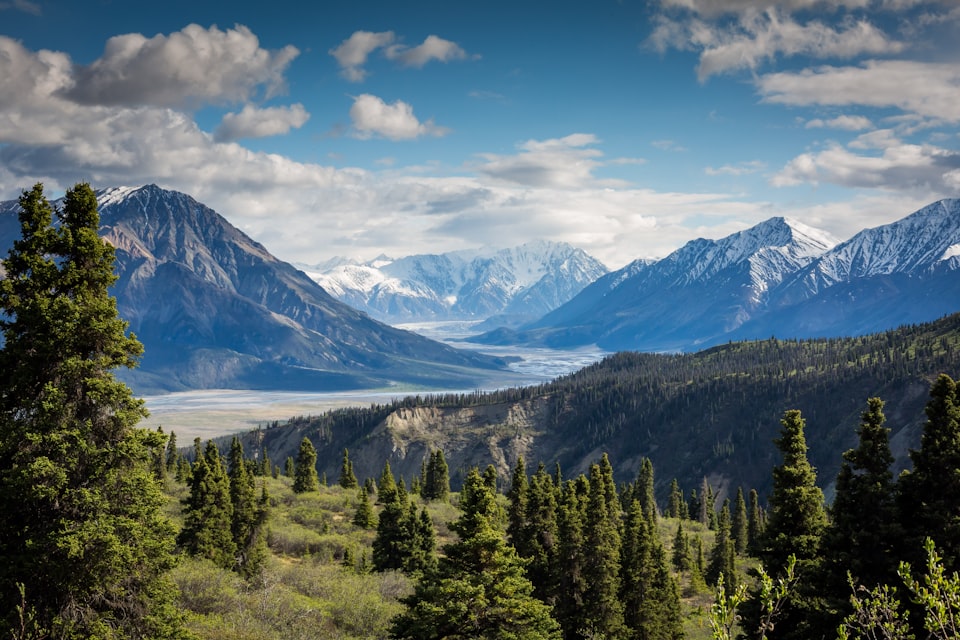
<figure class="hover-gallery" aria-label="Mountain light studies">
  <img src="daylight.jpg" alt="Mountain lake in clear daylight">
  <img src="blue-sky.jpg" alt="Mountain ridge beneath a blue sky">
  <img src="muted-lake.jpg" alt="Mountain lake with muted color">
  <img src="warm-ridge.jpg" alt="Mountain ridge with warm color">
</figure>
API and accessibility
Add two to ten images as direct children. The first image is the default and remains visible on touch devices, with reduced input capability, and in print. Each later image owns an equal-width hover zone; hovering it expands that image across the gallery.
This effect is best for decorative or supplementary imagery because touch users see only the first image. Use a conventional gallery with visible controls when every image is important. Give the figure a useful label and retain meaningful alt text on each image. No JavaScript controller is installed or required.